
Using Reserved Subdomains PRO#
You can reserve subdomains on the public node.sharedwithexpose.com domain so that no one else can take them and you can re-use them at any time without the risk to send someone else webhooks from your payment system, etc.
Configuration#
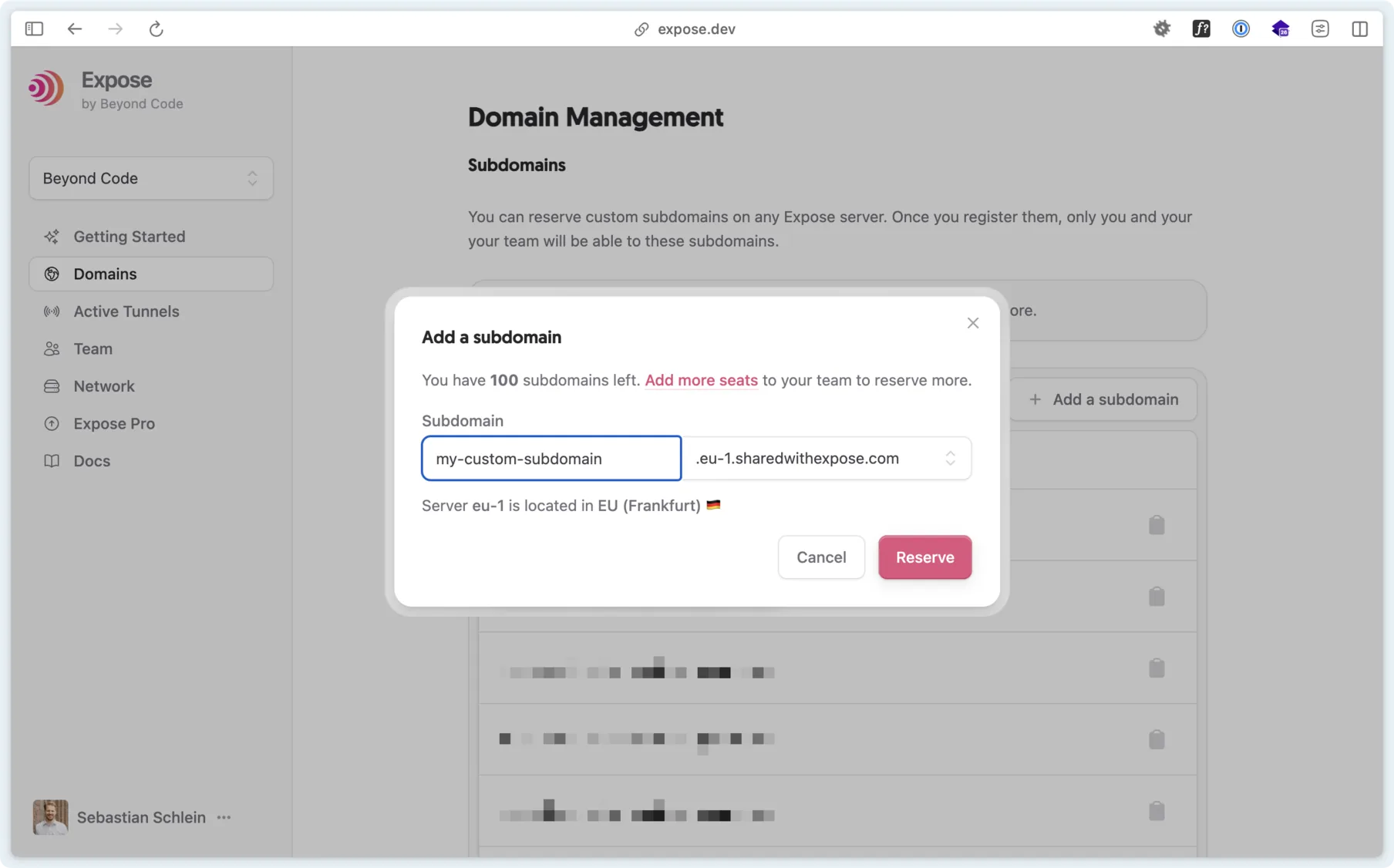
Log into your Expose account and go to the Domains section. This area of the platform lets you reserve multiple subdomains. If you do not want to use the sharedwithexpose.com domain and use your own custom domain, you do not need to reserve subdomains because no one else can access your domain anyway.
From the command line#
The Expose client manages your team's subdomains too, which also lets scripts and AI agents reserve the subdomain they need:
expose subdomains:reserve myapp --server=eu-1   # reserve myapp.eu-1.sharedwithexpose.com
expose domains                                  # list the team's subdomains and custom domains
Without --server, the subdomain is reserved on your default server when that is an Expose Pro server, else on the Pro server closest to you. --hub makes it a webhook hub, and expose subdomains:hub myapp (or --off) changes that later. Every command takes --json. Releasing a subdomain is only possible in the Domains section.
Sharing a site via a subdomain#
When sharing a site, you can append the --subdomain parameter to specify the subdomain of your account.
expose expose.dev.test --subdomain=expose-platform